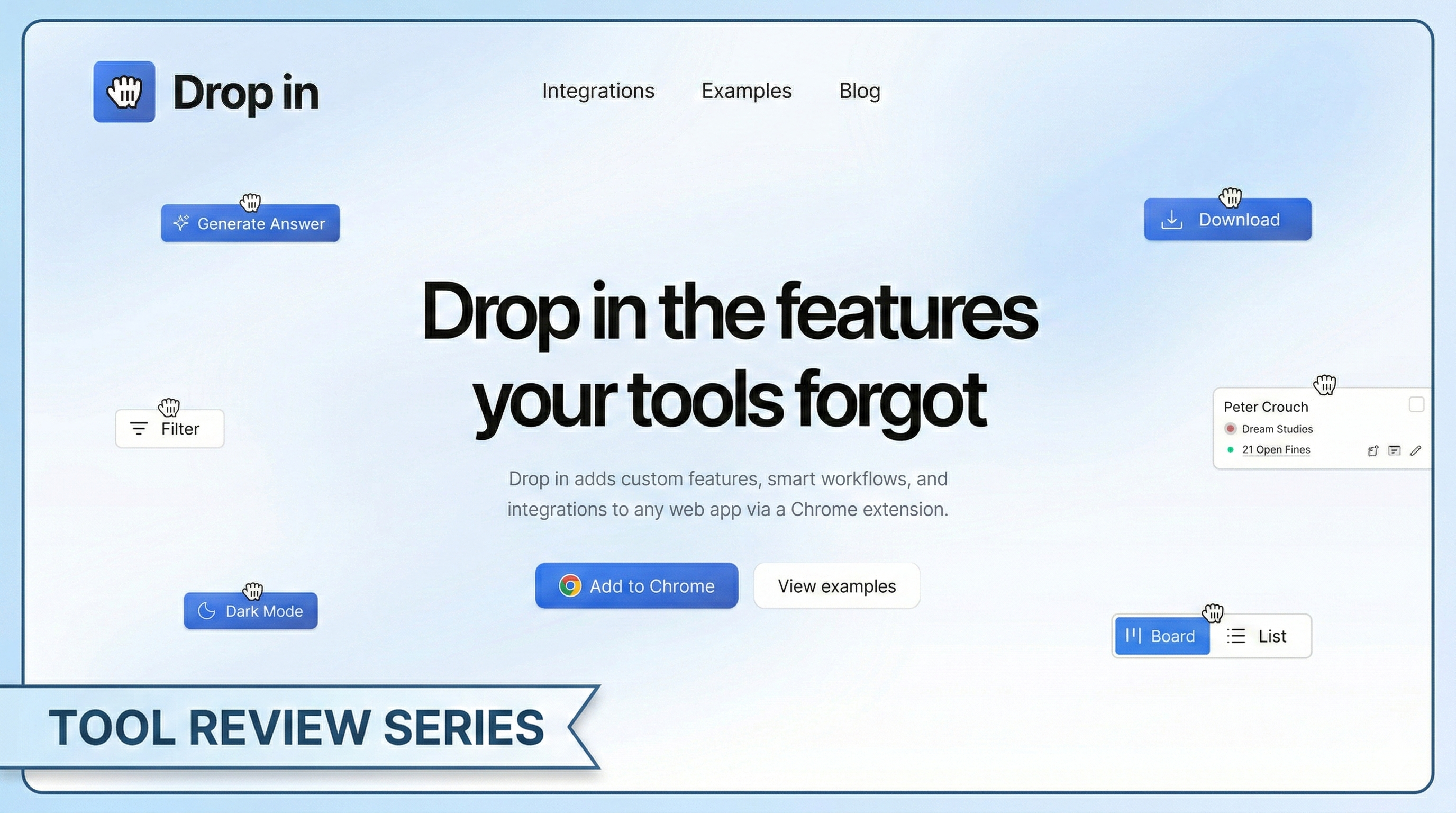
Tool: Drop In Category: Chrome Extension / Productivity Pricing: Free
A Chrome extension that lets you describe missing features in plain English and injects them — buttons, forms, lookup panels — directly into any web app.
What It Does
You know that feeling when you’re using a web app and think “why doesn’t this page just have a button that does X?” Drop In lets you describe that missing feature in a prompt and just fixes the problem for you, be it adding a button or exporting data for future use.
Here’s how it works: you open the extension, describe what you want (e.g. “add a button that looks up this person’s company in HubSpot and shows their deal stage”), and Drop In reads the page’s DOM structure, generates a UI component and injects it directly into the page. It even styles the component to match the site’s existing design so it doesn’t look out of place.
The features you create persist across visits. Drop In uses Chrome storage and URL pattern matching, so your custom components show up every time you return to that page.
Where it gets genuinely useful is the integrations. Drop In connects to Airtable, HubSpot, Notion, and OpenAI using your own API keys. But why does that feature make Drop In so compelling you might ask…well…let me explain with a use-case I am using it for.
Real use-case
I always knew that a very good untapped market in Croatia is small, family-owned businesses, so-called “OPG”. Those businesses in most cases either do not have a website at all or have a very bad one.
If you know that I am running a digital agency, meridian-digital.com, you might already see my use case here. Before Drop In, I had to go to Google Maps, public business registry and similar websites to find my potential clients, all in all, it was extremely time consuming.
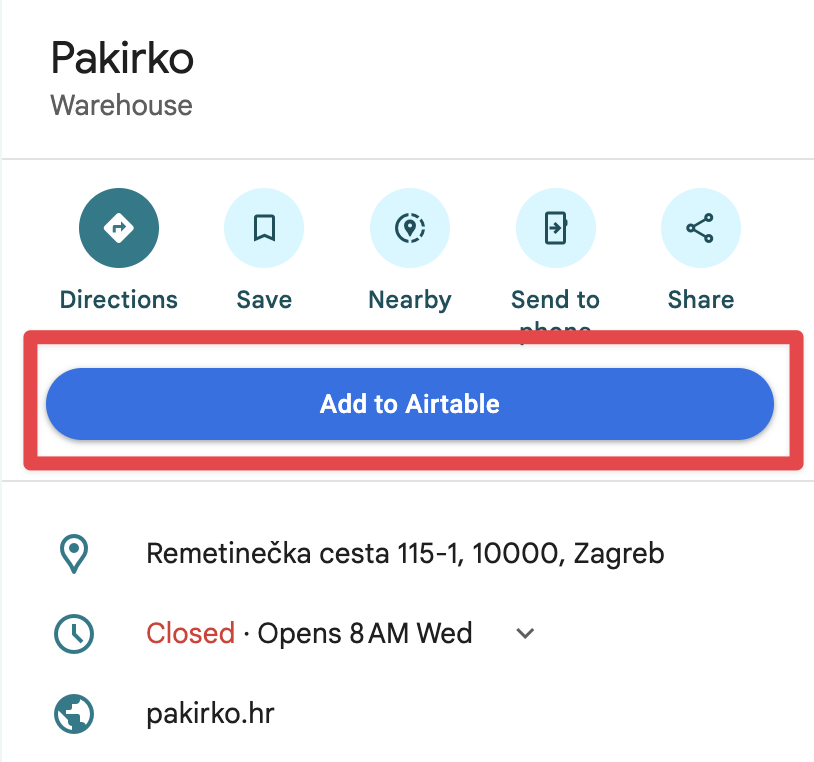
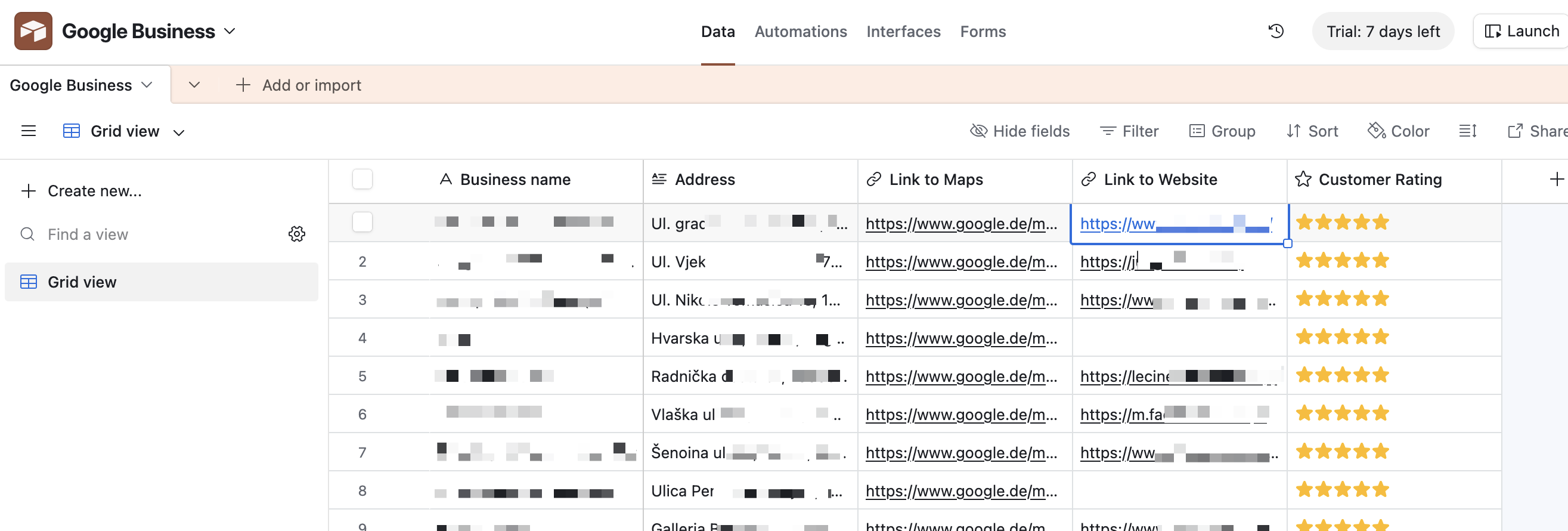
Now, I have a cool button, which grabs business data from Google Maps (I still have to go to Google Maps to find clients, but there I can see the number of reviews and from that, conclude if they are willing to up their website game) and stores it in Airtable.
Now, I have a list of potential clients that I can cold email or call to see if a potential collaboration is possible.
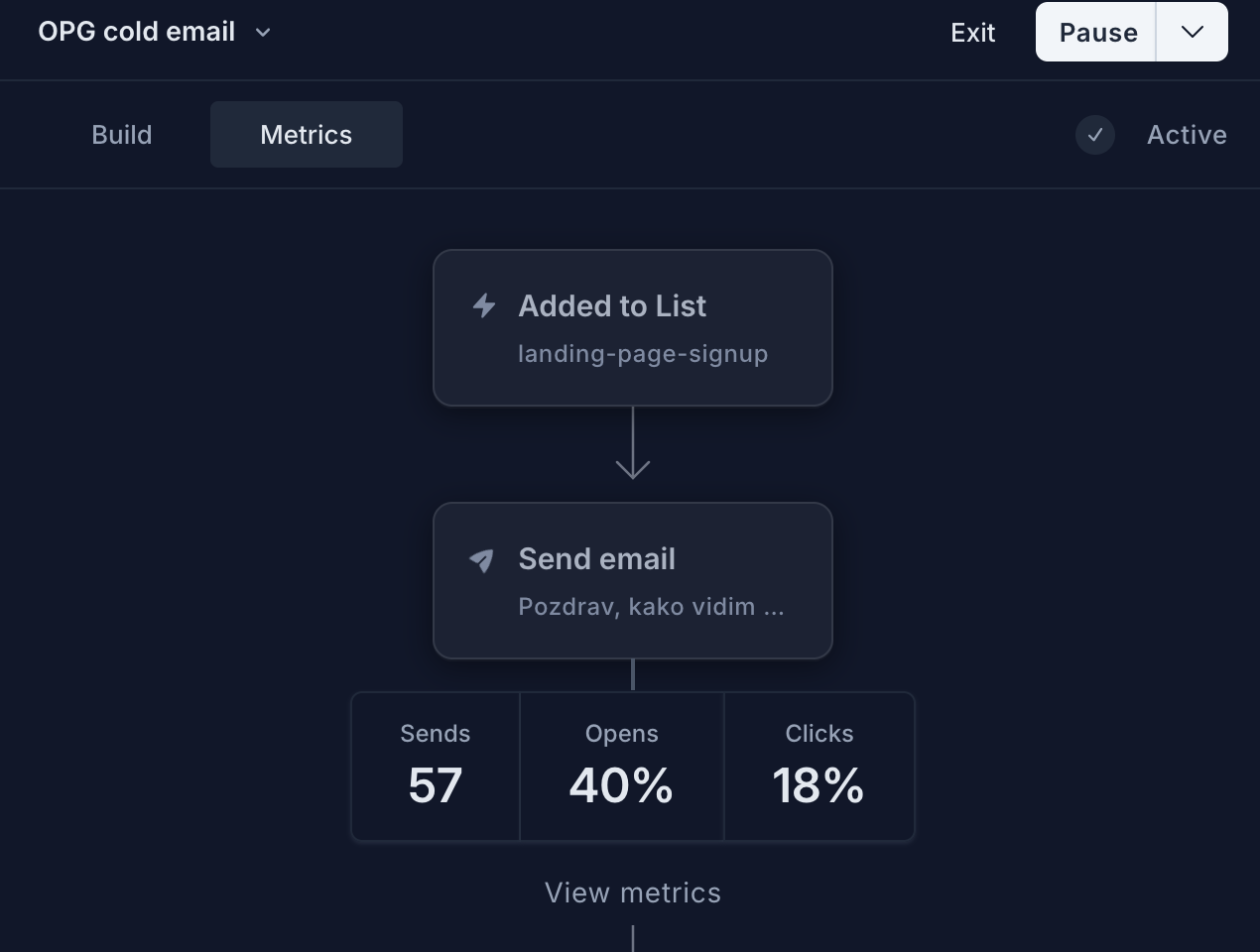
And I also automated that, of course. At first, I created a nice JavaScript script using Claude Code that would send 1 email per potential customer based on some data. I instructed Claude to check website, check traffic using ahrefs.com and other metrics, on which it would base the decision if it would send an email and how it would be structured.
But then I noticed that if I created a Loops sequence, meaning multiple emails can be sent automatically within a set period, I would get more responses after the 2nd or 3rd emails.
(If you want the Claude Code script, sign up for the newsletter and I’ll send it over — your support pushes me to make more such content!)
Conclusion
Drop In is a great free tool for developers/designers, sales teams, RevOps, and support professionals who work in the browser. Power users who want complex multi-step automations or cross-browser support should look elsewhere. And if your tool stack doesn’t overlap with the four current integrations, there’s not much here for you yet.
The use-case I mentioned is just a small part of what can be done using Drop In, but there are 1000 other ways to use this extension. So go out there, share your implementation and if you find it useful, send it to [email protected] and I’ll showcase your template on this blog post.
Pros
- Zero code required — plain English instructions are all you need to create functional UI components
- Privacy-first architecture — all data stays in-browser, API calls go direct to services, no proxy servers involved
- Persistent features — your custom additions stick per-site and can be toggled, edited, or removed from a built-in library
- Real integrations — connects to Airtable, HubSpot, Notion, and OpenAI via your own API keys, not scraping or simulation
- Free to use — no subscription or usage limits at launch
Cons
- Chrome-only — no Firefox, Safari, or other browser support
- Limited integrations — only 4 services at launch (Airtable, HubSpot, Notion, OpenAI)
- No automation or scheduling — it’s purely on-demand, not a workflow builder; you still need Zapier/Make for triggered actions
- Per-site scope — features are tied to specific domains, so you rebuild similar features for each site you use
Rating
Overall: 4/5